
Take your students’ learning beyond the classroom.
A take-home library of age-appropriate storybooks, Thinking Skills Games and learning activities, with simple app guidance for your students' parents. Hungry Brain sets it all up. Your team runs it in a few minutes a week.
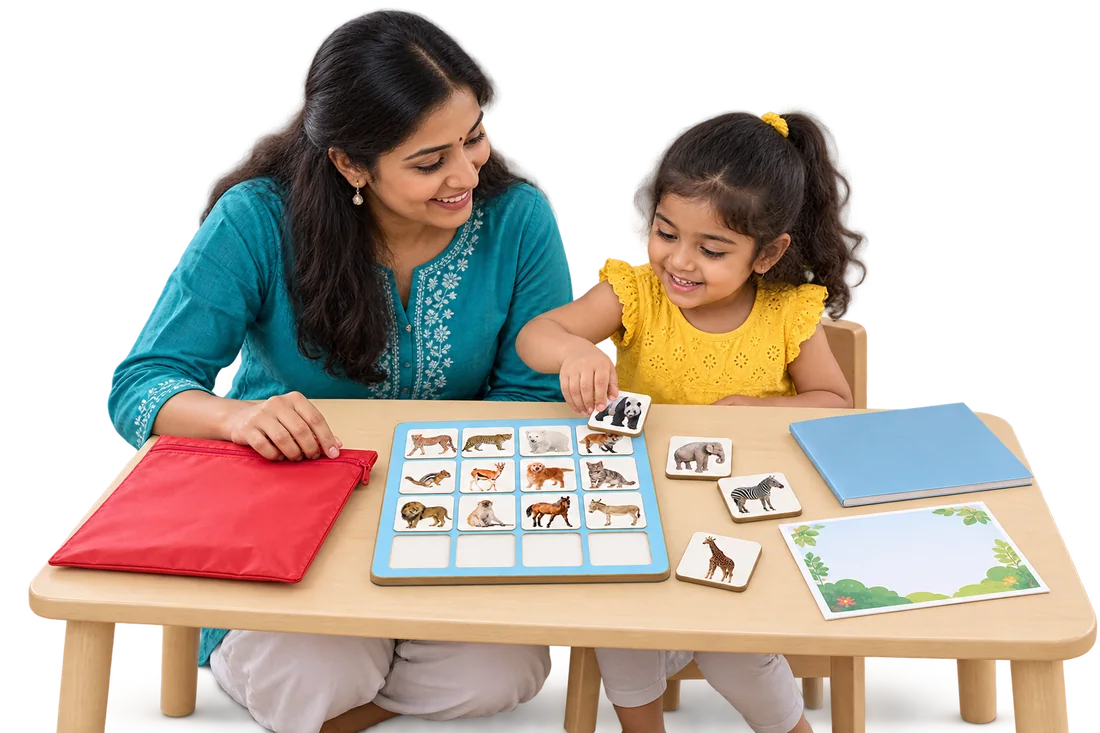 30 kits a yearScreen-free
30
different weekly kits per child, per year
3
things in every kit
4
class levels, Playgroup to Senior KG
0
screens for children
Six good reasons, one simple library.
Learning continues at home
Every week, parents sit down with their child and a new kit. School and home finally pull in the same direction.
Thinking skills for a world with AI
Observation, focus, memory, problem-solving and language: the foundations children need to think for themselves.
A real alternative to screens
Parents keep asking what to do instead of the phone. Now your school hands them the answer, every week.
Values in every story
Original storybooks about sharing, patience, family and feelings lay a foundation for values and ethics.
Something parents can see
A kit going home each week makes your school's care for each child visible to every family.
An opportunity for income
Pay for one year's kits, use them over multiple years, and keep the library fees as additional income.
A storybook, a Thinking Skills Game and a learning activity.
Every year's material grows with your students' age, year after year. Kit bags are colour-coded by class.
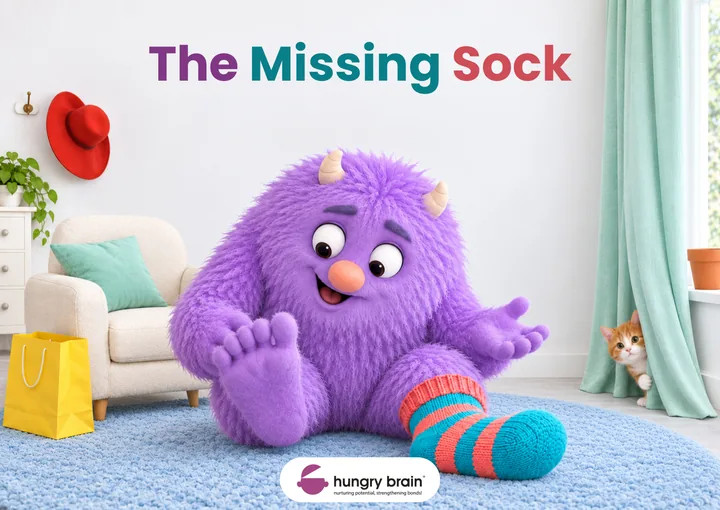
Storybook
Builds language while laying a strong foundation for values and ethics.
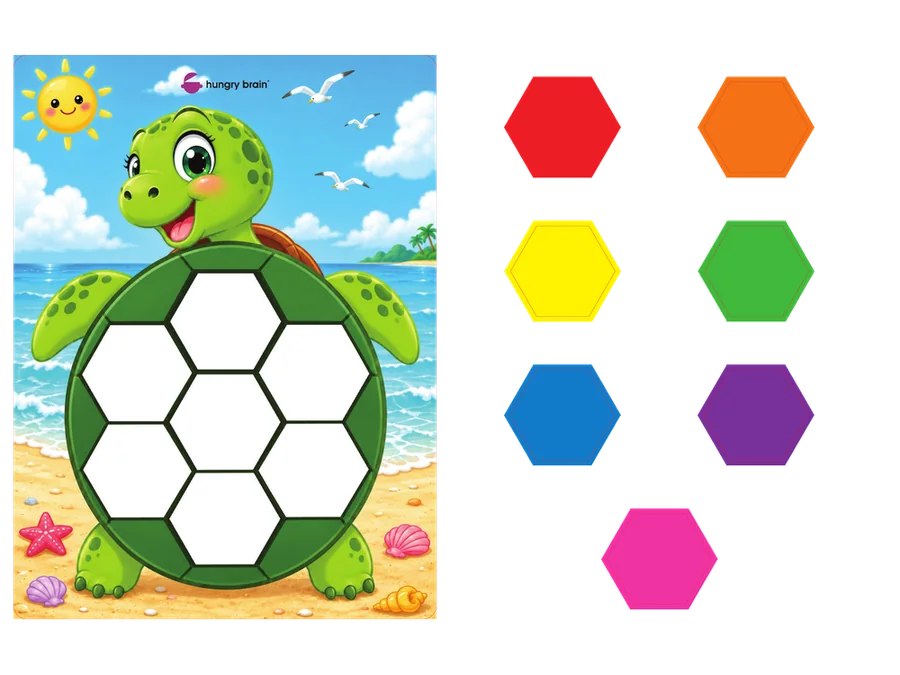
Thinking Skills Game
Practice in observation, focus, memory and problem-solving.
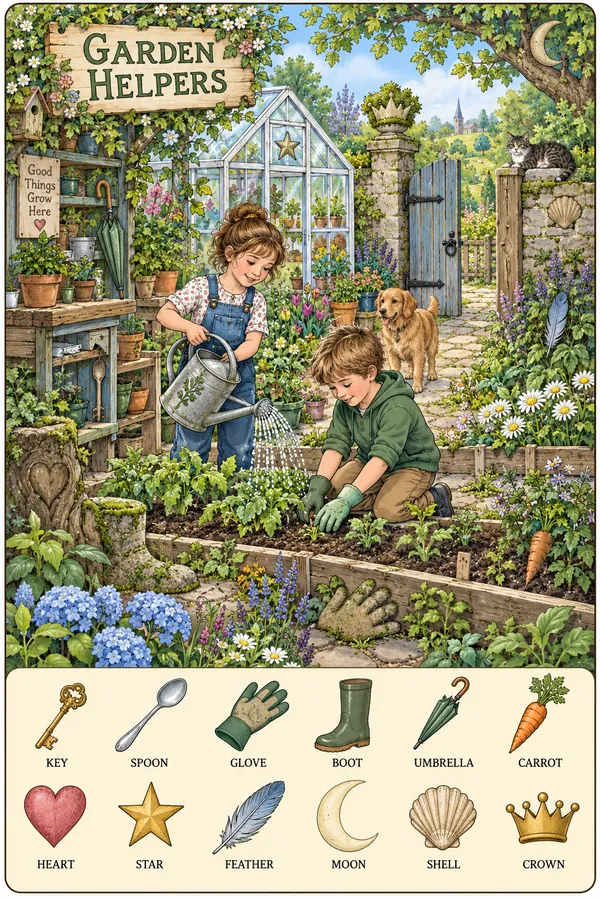
Learning activity
Encourages children to look closely, ask questions and work things out.
Three small tasks. We do the rest.
Enrol each child in the app
Add each child to your school library once.
Give a kit and update the app
Hand over the week's kit and tap to record it.
Check the returned kit
Check the materials and update the app.
Your teachers or support staff handle these tasks, and Hungry Brain takes care of the rest.
Materials and activity records, in one place.
Teachers can view all library materials, each child’s activity history and parents’ feedback.
- Who has which kit, right now
- What came back and what to check
- Each child's activity history
- Parents' feedback on every item
Guidance directly in the app.
Less explaining for your teachers. Parents learn exactly how to use each week’s kit.
- Simple usage guidelines for every kit
- Step-by-step videos
- A photo journey of their child exploring
- A quick way to share feedback
An opportunity for additional income.
Pay for one year's kits and use them over multiple years. Your school keeps the library fees as additional income. Your school keeps the kits and circulates them among enrolled children.
Hungry Brain provides
- Ready-to-use kits
- The library app
- Usage guidelines and videos for parents
- Stationery designs: library cards and kit badges
Illustrative shape only. We'll work through real numbers for your enrolment in the demo.
From hello to the first kit home.
- 1
Book a virtual demo
See a real kit and the app on a short video call.
- 2
Tell us about your classes
Levels, class sizes and when you'd like to start.
- 3
We prepare your library
Kits by class, the app set up for your school, stationery designs.
- 4
We walk your team through it
Enrolling, handing over, checking back. Parents get their guidance in the app.
- 5
The first kits go home
Week 1 begins. We stay a call or a message away.
Maths, Memory and Reading programs for the school day.
A start-and-end-of-day routine your teachers run alongside your own syllabus, with daily app guidance, one-to-one training and ongoing support.
Questions from schools
For schools
How does the School Library work?+
Your school enrols each child in the app. Each week a teacher or support staff member gives the child a kit and taps to record it. When the kit comes back, they check it and update the app, then hand over the next one. That is all your team does. Hungry Brain takes care of the rest.
How many kits does each child get?+
Every child receives 30 different weekly kits in each preschool year: Playgroup, Nursery, Junior KG and Senior KG. Each year's material matches the children's age.
How can the library earn for our school?+
Your school pays once for a year's kits and uses them over multiple years. The library fees you collect from parents stay with your school as additional income. We will walk you through the numbers for your enrolment in the demo.
What does it cost?+
It depends on how many levels you start with and how many children you have. Book a virtual kit and app demo and we will prepare a quote for your school.
We have more than 30 children in a class. Does that work?+
Yes. Tell us your class sizes and we will plan the right number of kits so every child gets a kit every week.
Does it replace our syllabus?+
No. The library is a take-home addition. Your school keeps its own syllabus and classroom material; the library carries learning into the home, through the parent.
How much work is it for our teachers?+
A few minutes per child, per week: hand over, check back, tap. Parents get their guidance inside the app, so your teachers don't have to explain each kit.
What can teachers see in the app?+
All the library material, each child's activity history and the parents' feedback, in one place.
What if something comes back damaged or missing?+
Your staff check each kit when it returns, and the app records it. Your school sets its own library rules, such as a deposit, and the records make them easy to apply.
Who owns the kits?+
Your school keeps the kits and circulates them among enrolled children.
Do you also have programs we can run in class?+
Yes. Hungry Brain's School Programs (Maths, Memory and Reading) are a short start-and-end-of-day routine your teachers run alongside your own syllabus, with daily app guidance, one-to-one training and ongoing support.
The app and support
What does the app do for parents?+
It shows them exactly how to use each week's kit, with simple guidelines and step-by-step videos. Parents can share feedback on each item and save photos of their child exploring, which build into the child's photo journey.
What does it do for the school or library owner?+
It keeps every record for you: who is enrolled, which child has which kit, what came back, each child's activity history and the parents' feedback. No registers, no spreadsheets.
Will someone show us how to use it?+
Yes. We set your library up, walk your team through the app and the admin panel, and stay a call or a message away.
Which phones does it run on?+
Android and iPhone. The library lives inside the Hungry Brain app.
See a real kit. See the app. Then decide.
Book a short virtual meeting for a kit and app demonstration. We'll plan kit numbers for your class sizes and share a quote for your school.